Printer On But Not Printing? Troubleshooting Sleep Mode Issues on Windows 10/11
It’s a familiar frustration: the printer’s power light is on, no error messages are visible, yet your document never prints. Windows may even report that the printer is “offline” or “not responding.” In many cases, the issue isn’t a hardware failure at all — it’s your printer slipping into a sleep or power-saving mode that […]
Printer Offline? Security Software Could Be the Hidden Culprit
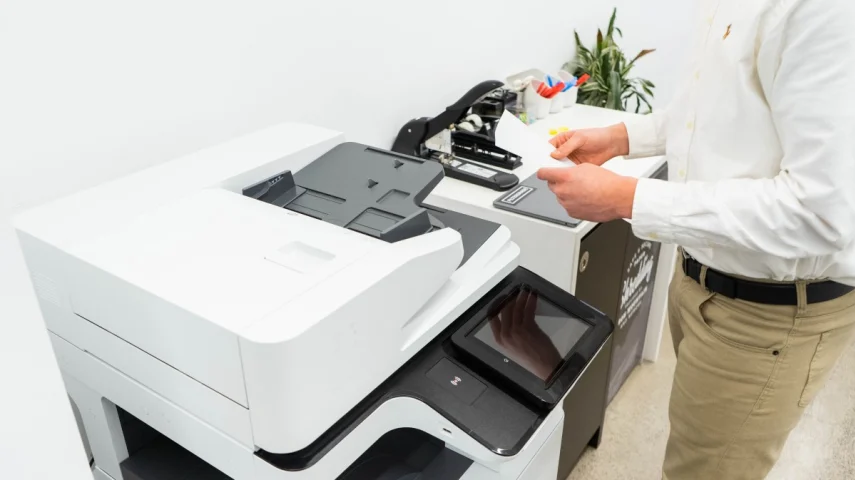
Is your printer showing as “Offline” even though it’s powered on and properly connected? While it might seem like a printer malfunction, the real cause is often your computer’s security software. Firewalls and antivirus programs can sometimes block printer communication by mistake, especially for network or wireless printers. In this guide, we’ll explain how security […]
Is Your Wireless Printer Offline? Troubleshooting Connection Issues
Wireless printers make life easier by letting you print from anywhere on your network without dealing with cables. That convenience, however, can come with hiccups—especially when a wireless printer suddenly shows as “offline.” When the Wi-Fi link drops or becomes unstable, your computer can no longer communicate with the printer, and print jobs fail. This […]
Fix Printer Issues: Troubleshooting the Print Spooler Service
Few things are more irritating than sending a file to print only for nothing to happen—or seeing your printer marked as “offline” even though it’s turned on and connected. In many cases, the root of the problem is the Windows Print Spooler. This essential service controls how print jobs are queued and sent to your […]
Printer Offline” Fix: A Troubleshooting Guide
Few things derail productivity faster than seeing “Printer Offline” pop up when you’re trying to print. That message means your computer and printer aren’t talking to each other, so nothing gets printed. The upside? This is a very common problem, and in most cases, you can fix it yourself with a few targeted checks. This […]